
A plain-English walk through xTool's laser lineup, so you buy the machine that matches what you actually want to make — not the one with the biggest spec sheet.
TL;DR: xTool makes desktop laser engravers and cutters spanning compact hobby units to enclosed, higher-power machines. The right pick depends on materials, work size, and whether you want a portable unit or a workshop workhorse. Compare the xTool lineup.
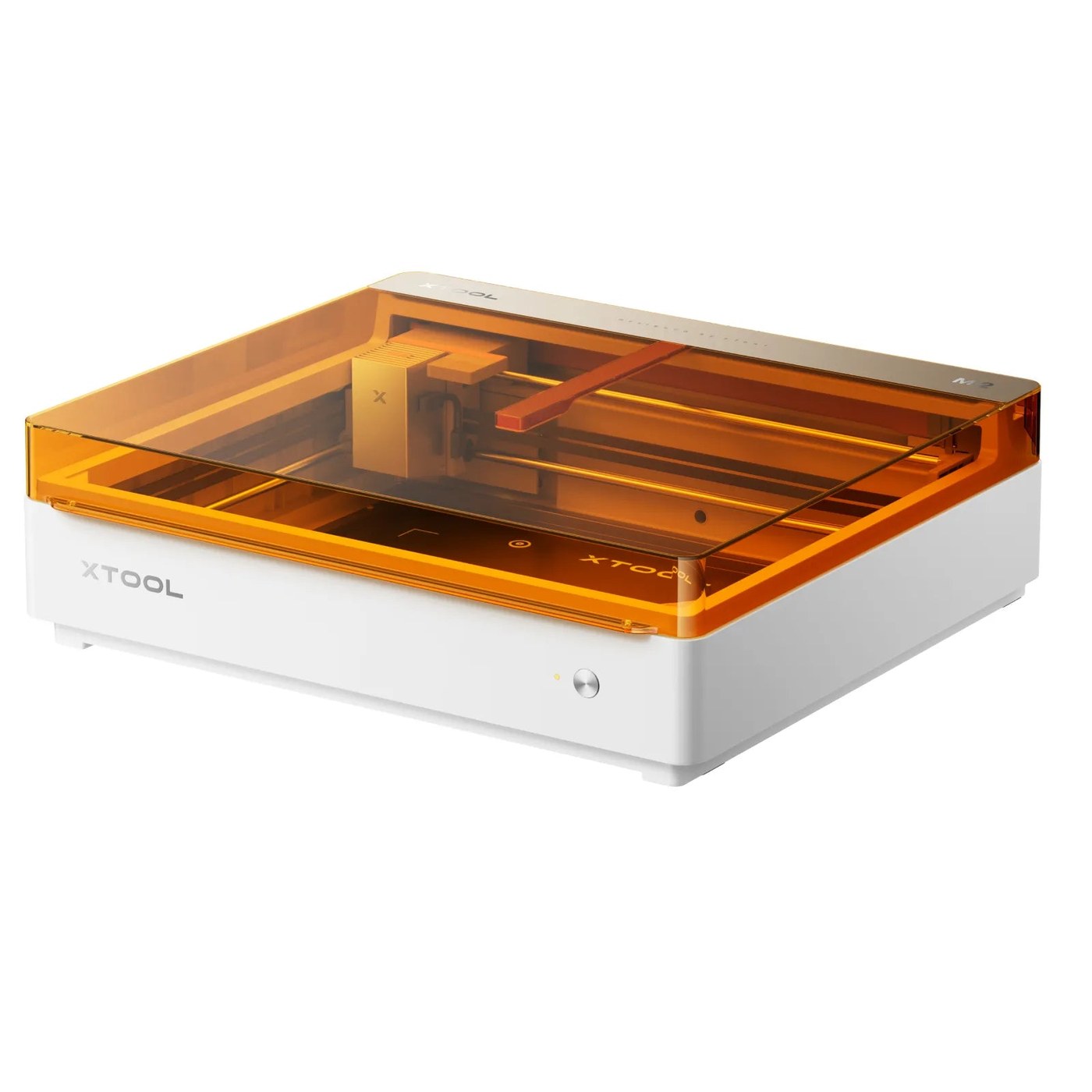
Why the machine choice matters more than the brochure
Laser engravers all promise the same headline: personalise wood, leather, acrylic, metal. Where they differ is in the boring details that decide whether you finish a project or fight the machine — work area, whether it's enclosed, what materials it can actually cut versus only mark, and how much setup each job needs.
xTool's range spans that spread. Some units are compact and portable, aimed at small crafts and quick personalisation. Others are enclosed, higher-power machines built for cutting thicker material and running longer sessions safely. Buying the wrong end of that range is the most common regret — a portable unit frustrates someone cutting plywood all day, and a big enclosed machine is overkill for engraving the odd tumbler.
Start from what you want to make. The machine follows from that, not the other way round.
Who each type suits
- Compact / portable unit — crafters, gifts, small personalisation, limited desk space
- Mid enclosed machine — regular hobbyists and side-businesses cutting and engraving a range of materials
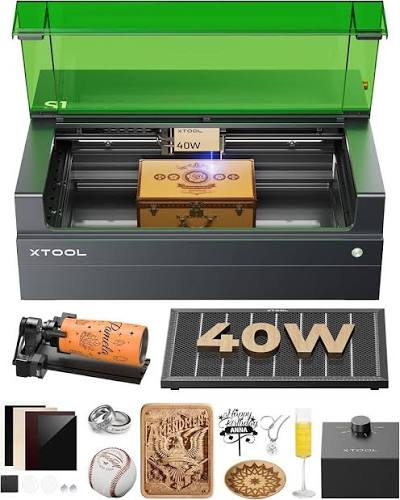
- Higher-power enclosed machine — small businesses running frequent cutting jobs on thicker stock
If you're unsure, the honest default is a mid enclosed machine — it handles the widest range of projects without the compromises at either extreme.
Five things to weigh before you buy
1. Cut versus engrave
Every laser engraves; not every laser cuts the material you have in mind at the thickness you need. If you plan to cut plywood, acrylic, or leather — not just mark the surface — check the cutting capacity, not just the engraving claims.
2. Work area
The bed size caps the biggest single piece you can make. Think about your largest realistic project and size up from there; a too-small work area is the limit you hit most often.
3. Enclosed or open frame
Enclosed machines contain fumes and stray light, which matters for safety and for working in a shared space. Open or portable units are lighter and cheaper but need more care around ventilation and eye protection.
4. Materials and accessories
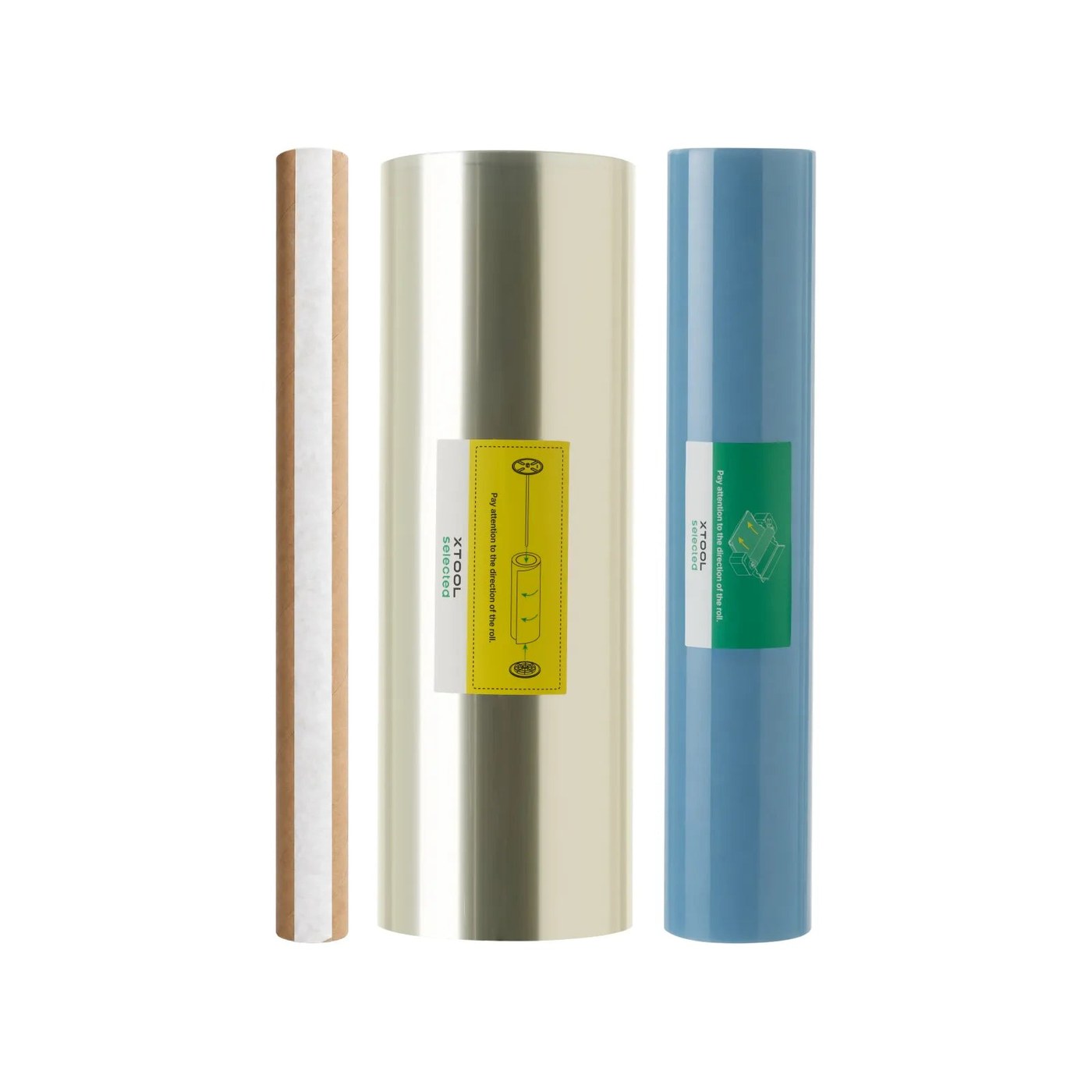
Different jobs need different consumables and add-ons — honeycomb beds, air assist, rotary attachments for cylinders, and material packs. Factor the accessories you'll actually need into the real budget, not just the machine price.
5. Setup and software
A big part of "ease of use" is the software and calibration workflow. Machines that automate focus and material presets get you to a first successful cut faster — worth weighing if you're new to lasers.
The xTool range, by what you want to make
Compact / portable
The lightest way in — good for engraving and light cutting on smaller pieces, personalisation, and gifts. Best where desk space and budget are tight.
Mid enclosed
The balanced pick for most people: a real work area, enclosure for safety, and enough power to cut a range of materials. Pair it with the accessories your projects need.
Higher-power enclosed
Built for frequent cutting on thicker stock and longer sessions. Aimed at side-businesses and small workshops rather than occasional hobby use.
Pricing, bundles, and material kits move over time, so check the current listing before committing. See live xTool machines and bundles.
Common mistakes to avoid
- Buying on engraving specs when you need to cut. Confirm the machine cuts your material at your thickness — engraving-only capacity is a different number.
- Under-sizing the work area. The bed size is the limit you'll bump into most. Size to your biggest realistic project.
- Forgetting accessories and ventilation. Air assist, rotary tools, material packs, and proper fume extraction are part of the real cost — plan them in.
Rough pricing tiers
| Tier | Type | Best for |
|---|---|---|
| Entry | Compact / portable | Crafts, gifts, small personalisation |
| Mid | Enclosed, mid power | Hobbyists, side-businesses |
| Pro | Enclosed, higher power | Frequent cutting, small workshops |
FAQ
Which xTool should a beginner buy?A compact unit if budget and space are tight; a mid enclosed machine if you want room to grow into cutting a range of materials.
Can these cut wood and acrylic, or just engrave?It depends on the model and power. Check the cutting capacity for your material and thickness — don't assume engraving specs mean it cuts.
Do I need an enclosed machine?Enclosure helps with fume and light safety, especially in shared spaces. Open units are fine with careful ventilation and eye protection.
What accessories will I actually need?Commonly air assist, a honeycomb bed, and a rotary attachment for cylinders — plus material packs. Budget for the ones your projects require.
Next steps
Start from what you want to make, then match work area, cutting capacity, and enclosure to it. When you've decided, start with xTool's current lineup and compare machines and bundles side by side.
Disclosure: This post contains affiliate links. We may earn a commission from purchases made through these links at no extra cost to you. Prices and availability accurate at time of writing. Laser engravers require proper ventilation and eye protection; follow the manufacturer's safety guidance.
Disclosure: affiliate link — we may earn a commission at no extra cost to you.
Want gear like this on your content calendar?
Join AffluencerHub, get AI-matched to brand programs that fit your audience, and track every click to commission in one place.
Apply as a Creator