
If you're researching desktop laser cutters and engravers, xTool comes up on nearly every shortlist. This guide covers what xTool actually is, who it's built for, how it compares to the alternatives, and the questions worth asking before you commit.
What xTool actually is
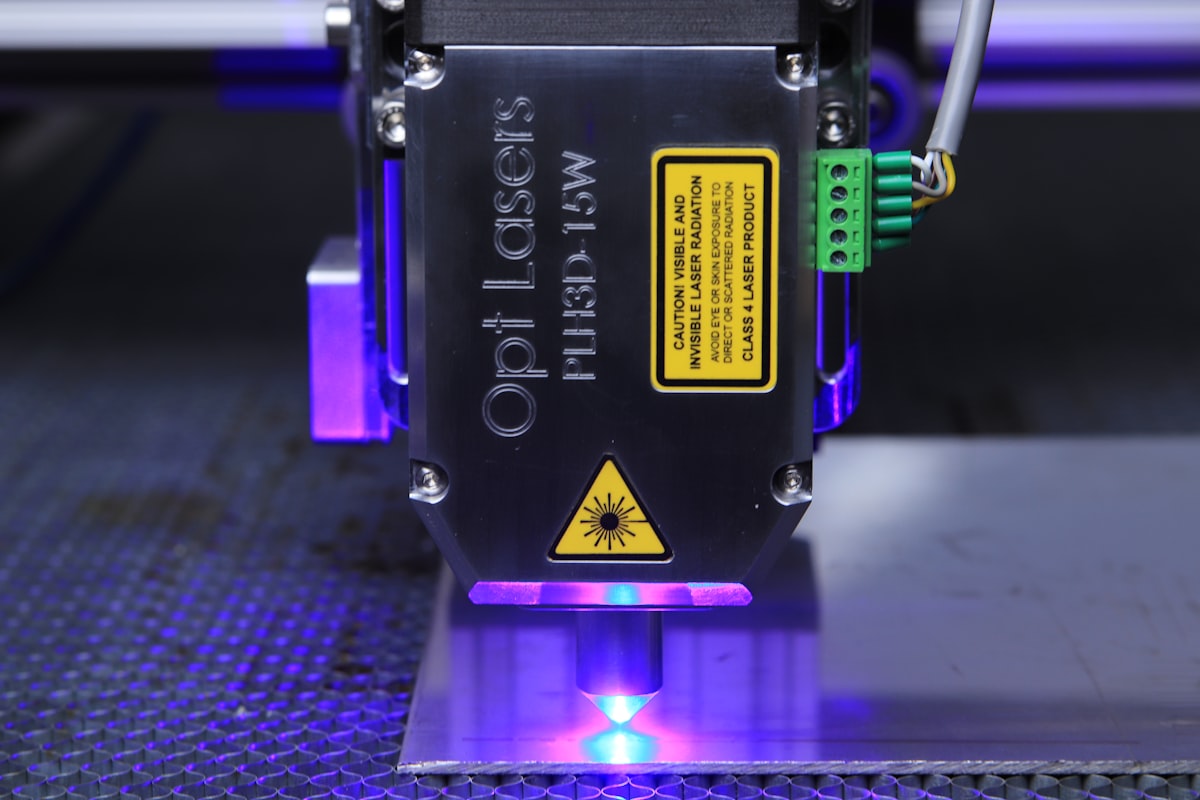
01What is xTool?
xTool operates in the desktop laser cutters and engravers category, positioned as a consumer-grade laser cutter/engraver line covering everything from hobbyists to small-business makers. It's aimed squarely at makers, Etsy sellers, sign-shop owners and hobbyists, and its position in that market has stayed steady through 2026.
02Key features worth knowing
- Diode & CO2 models from $600 through $4,000. This spread is central to what xTool offers — start on a cheaper diode machine and move up to a CO2 model without leaving the ecosystem.
- Fully enclosed safety on the flagship P2/S1. A real differentiator versus typical desktop laser cutter and engraver competitors, many of which still ship open-frame at this price.
- xTool Creative Space software with a material library. Worth understanding before you buy — the software layer is what determines how painless day-to-day use actually is.
- Extensive add-ons: rotary attachment, air assist, honeycomb bed. These extend a single machine well beyond flat-panel cutting and are worth budgeting for from day one.
- A strong maker community and template library. This impacts long-term value more than the spec sheet does, since it shortens the learning curve on every project after the first.
Who xTool is built for
Best fit
Makers who value the $600–$4,000 diode & CO2 spread; anyone who wants fully enclosed safety on a P2/S1 without paying enterprise pricing; people switching from Glowforge specifically for xTool Creative Space and its material library.
Not ideal
Users with very niche vertical needs xTool doesn't cover; enterprise buyers who need a formal SLA and procurement flow; budget shoppers below the entry tier, where pared-down competitors may be cheaper.
How xTool compares
The three names that come up most often alongside xTool are Glowforge, Ortur Laser Master and LaserPecker.
- Glowforge is the incumbent — the most feature-rich option, and the most expensive. xTool is often the pick when Glowforge is more machine than you actually need.
- Ortur Laser Master is the direct competitor at a similar price point. Feature parity is close; the differences are mostly about workflow fit.
- LaserPecker is a viable alternative with a genuinely different design philosophy — worth a look if the other two don't click.
For most makers, xTool lands on the sweet spot between price and capability.
xTool — diode & CO2 laser cutters from $600–$4,000
Start on the entry diode tier and trial it for real before deciding whether the fully enclosed P2/S1 or a CO2 upgrade is worth it for your workflow.
🔒 Prices and tier availability accurate at time of writing. Affiliate link — we may earn a commission at no extra cost to you.
Questions to ask before you buy
- Does my use case fit xTool's target profile — makers, Etsy sellers, sign-shop owners, hobbyists?
- Is the $600–$4,000 diode & CO2 spread the right budget window for me?
- Am I already locked into another brand's ecosystem? Switching cost matters here.
- Is it worth trialing the entry tier before jumping to a premium model?

Getting started
- Visit xTool's site and read through the current tier structure
- Start with the entry tier and give it a real 30-day trial
- Layer in fully enclosed safety on the P2/S1 once the basics are settled
- Upgrade to a premium tier only once your use case actually demands it
FAQ
How is xTool different from Glowforge? xTool typically wins on the $600–$4,000 diode & CO2 spread and on price generally; Glowforge wins on ecosystem depth.
Is there a free trial? Check the xTool website for current trial terms — they rotate.
What tier should I start on? The entry tier, for most buyers. Upgrade only when you hit a specific feature gap, not proactively.
Is xTool worth it in 2026? For makers, yes — the lineup's market share has been stable and the product roadmap is still active.
Bottom line
If xTool sounds like a fit for your workshop, start with the current tier options and trial the entry model before committing to anything premium.
Want gear like this on your content calendar?
Join AffluencerHub, get AI-matched to brand programs that fit your audience, and track every click to commission in one place.
Apply as a Creator