
How to choose your first (or next) 3D printer without overpaying or overbuying — and where Creality sits on the ladder from hobby to workshop.
TL;DR: The right printer depends on one honest question — do you want to tinker, or just press print? Creality covers both ends, from cheap open-frame Enders to enclosed CoreXY machines with multicolor. Here's how to read the category.
What actually changed in 3D printing
A few years ago, buying a 3D printer meant signing up for a hobby that was half building and tuning the machine, half printing. That's no longer the default. The big shift is speed and automation: modern machines auto-level, auto-calibrate, and run input shaping so they print fast without turning every job into a science project. Creality's own ladder shows the split clearly — the open-frame Ender line still speaks to tinkerers, while the enclosed K-series leans hard into "press print and walk away."
So before you look at any spec sheet, decide which camp you're in. A tinkerer and a press-print buyer can end up with completely different machines at the same price, and both be right.
Who this is for
- You'd benefit if — you make props, functional parts, miniatures, or prototypes, and you're tired of waiting on shops or online printing services.
- You might not need it if — you'd print a handful of things a year. A printing service is cheaper and less hassle for genuinely occasional use.
- Best fit — hobbyist makers, educators, and small workshops that want fast, repeatable prints.
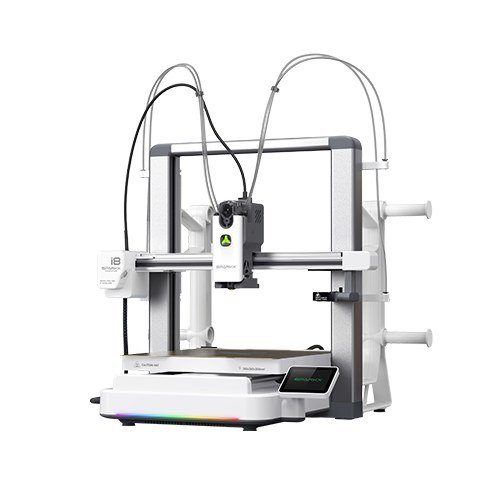
The 5 things to look for
1. Enclosed vs open frame
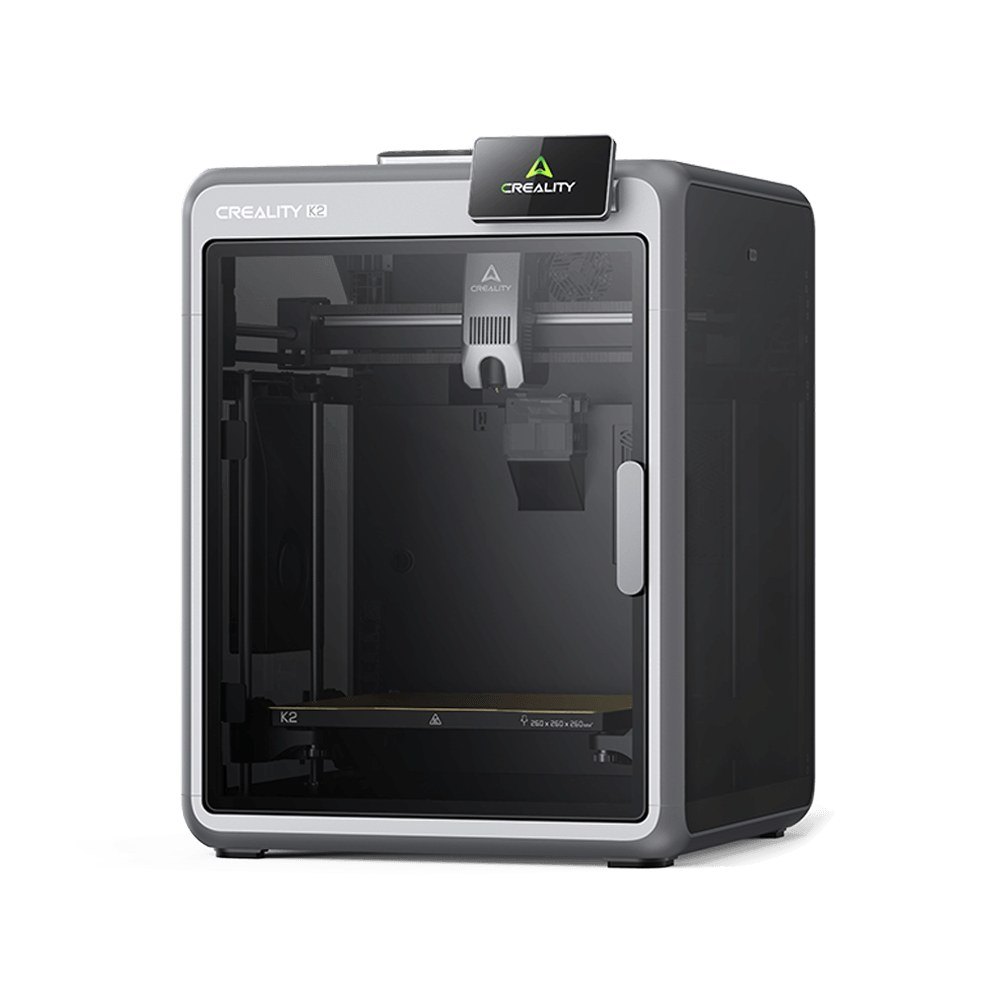
This is the first real fork. Open-frame printers (like the Ender line) are cheaper, easy to tinker with, and fine for PLA — the everyday, easy material. Enclosed printers hold heat, which you need for engineering materials like ABS, ASA, and carbon-fibre blends that warp in open air. Creality's K2-class machines add a heated chamber precisely for this. If you only ever print PLA, open frame saves money; if you want tougher parts, pay for the enclosure.
2. Speed and motion system
Older printers crawled. Modern CoreXY machines move the print head fast in two axes and, with input shaping, hit high speeds without the ringing artifacts that used to force everyone to slow down. Creality's K-series is built around this. Speed genuinely changes how you use a printer — a print that used to be an overnight job becomes an afternoon one.
3. Multicolor and multi-material
If you want more than one colour in a print, you need a system that swaps filament automatically. Creality's CFS (Creality Filament System) is a four-spool unit that does this, in the same vein as Bambu's AMS. It's genuinely fun and useful — but be honest about whether you'll use it. Multicolor adds cost and some waste; plenty of makers happily print single-colour for years.
4. Bed size vs what you actually print
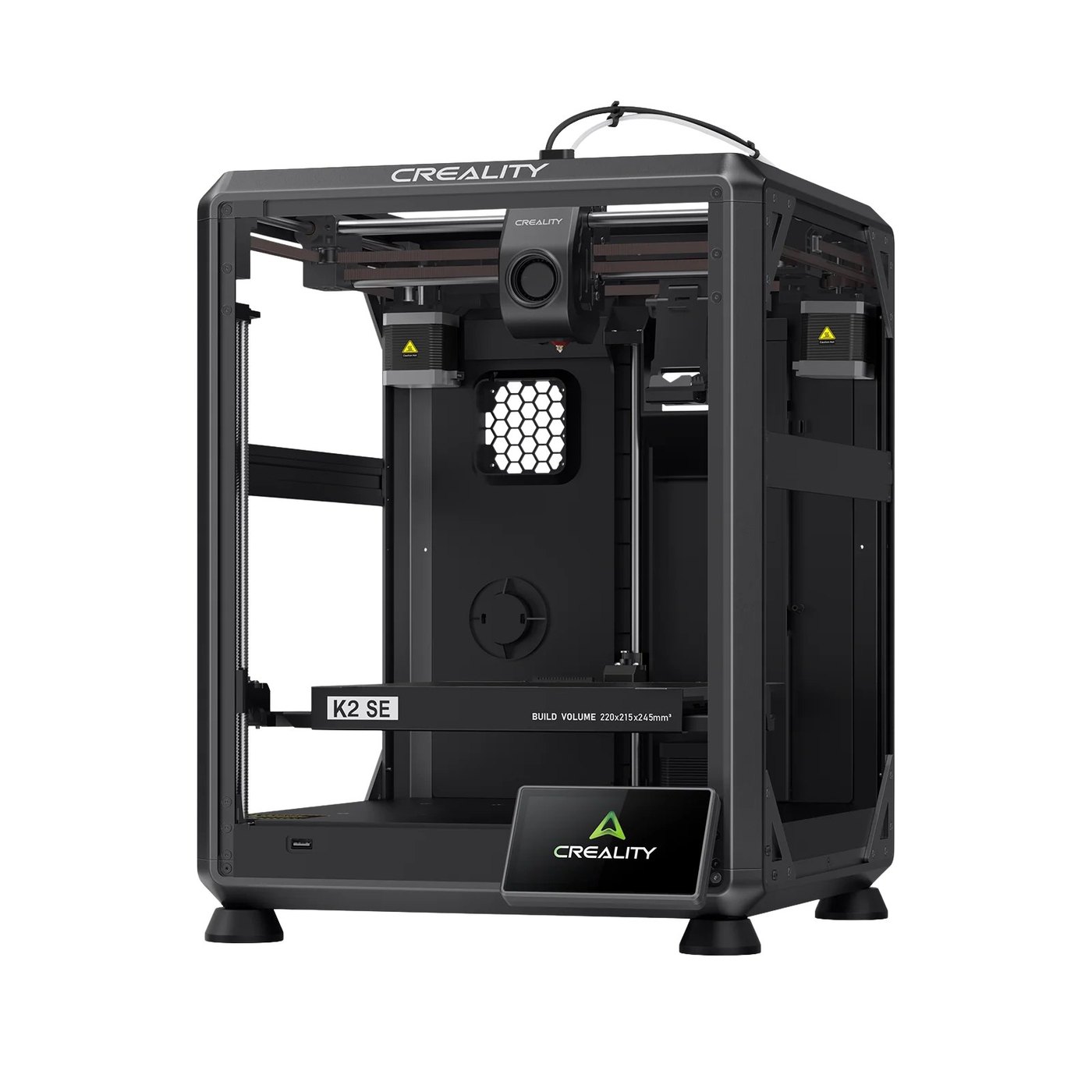
Big build volumes sound great and cost more. Most people print things that fit comfortably on a standard bed. Buy the large-format CR-series only if you know you'll print big — otherwise you're paying for air. It's the single most over-bought spec in the category.
5. Ecosystem and materials
Creality runs an open ecosystem: it works with third-party filament and has a large community, which matters when you hit a problem at 11pm and need an answer. Closed ecosystems can be smoother but lock you in. For a first printer, the size of the community you can ask for help is worth more than most spec-sheet numbers.
Top Creality picks in 2026
Prices shift constantly and Creality discounts hard around sale events, so treat these as tiers and check the current listing.
Best first printer: the Ender line
The open-frame workhorse. Cheap, tinker-friendly, and a genuine on-ramp to the hobby. According to coverage across maker outlets like Tom's Hardware and PCMag, the Ender family remains the default budget recommendation.
- Where it fits: first-timers and PLA printing. See the Creality range.
Best all-rounder: the K-series (K1 / K2)
Enclosed, fast, and — on the K2 Plus — heated-chamber and multicolor-capable. This is the "press print and walk away" tier.
- Where it fits: makers who want speed and engineering materials. Compare models.
Best for resin detail: the Halot line
For miniatures and highly detailed models, resin beats FDM on fine detail. A separate tool for a separate job.
- Where it fits: tabletop miniatures, jewellery, detailed models.
Pricing, by tier
| Tier | Roughly | What you get | Recommended for |
|---|---|---|---|
| Entry (Ender) | Budget band | Open-frame FDM, PLA-focused | First-timers, tinkerers |
| Mid (K1 / resin) | Value band | Enclosed speed, or resin detail | Enthusiasts |
| Upper (K2 Plus) | Higher band | Heated chamber, multicolor, engineering materials | Workshops, power users |
Common mistakes to avoid
- Buying the biggest build volume. Most prints are small. Match the bed to what you'll actually make.
- Paying for multicolor you won't use. It's great if you'll use it, dead weight if you won't. Be honest.
- Skipping material planning. If you'll only print PLA, you don't need a heated chamber. If you want ABS or CF, you do — decide before you buy, not after.
FAQ
Q: How much should a first printer cost?A: Enough for a reliable entry FDM machine plus a spool or two of PLA. You can always upgrade once you know what you actually print.
Q: PLA, ABS, or something else to start?A: Start with PLA. It's forgiving, prints on open-frame machines, and covers most beginner projects. Move to ABS/PETG/CF only when a project demands it.
Q: When's the best time to buy?A: Creality runs frequent sale events (seasonal, Prime Day) with real discounts. If your timeline flexes, wait for one rather than paying full sticker.
Q: Is Creality better than Bambu Lab or Prusa?A: Different trade-offs. Creality gives the most hardware per dollar and an open ecosystem; Bambu leads on polish; Prusa on support pedigree. We break that down in our Creality vs Bambu Lab piece.
Next steps
Pick your camp first — tinker or press-print — then match the tier to the materials you actually want to run. When you're ready, start with Creality's current lineup; few brands span a budget Ender all the way to an enclosed multicolor workshop machine.
Disclosure: This post contains affiliate links. We may earn a commission from purchases made through these links at no extra cost to you. Prices and availability accurate at time of writing.
Disclosure: affiliate link — we may earn a commission at no extra cost to you.
Want gear like this on your content calendar?
Join AffluencerHub, get AI-matched to brand programs that fit your audience, and track every click to commission in one place.
Apply as a Creator