
Best Buy is the most-visited electronics retailer in the US, bigger stores, deeper inventory, and more expert associates than any competitor. But the reason most consumers overpay at Best Buy isn't the store's fault, it's that most people walk in without a shopping framework. This guide is that framework: how to pick the right TV, laptop, or appliance without the "aspirational upsell" that adds 30-50% to the ticket.

The three rules that save the most money
Before we get into categories, three universal rules:
- The right product tier for your usage is almost always one step below what the salesperson recommends. Sales incentives push mid-to-premium models; most consumers genuinely don't need the features they justify.
- The extended warranty math almost never works out. Best Buy's Geek Squad Protection is priced to be profitable for Best Buy on average, meaning it's worse than break-even for buyers on average. Exception: laptops if you're clumsy or if the plan includes accidental damage.
- Timing matters more than negotiation. Best Buy runs promotional cycles by category. Buying a TV in November (Black Friday), a laptop in July (back-to-school), or an appliance in September (fall sales) saves 15-30% on the same SKU.
TV buying, the biggest overspend category
Most consumers overpay on TVs. Concrete framework:
Screen size is determined by viewing distance, not room preference:
- Distance 6-8 feet → 55-inch is right.
- Distance 8-10 feet → 65-inch.
- Distance 10-12 feet → 75-inch.
- Distance 12+ feet → 82-inch or projector.
Going too big at close distance forces eye movement instead of comfortable viewing.
Panel type:
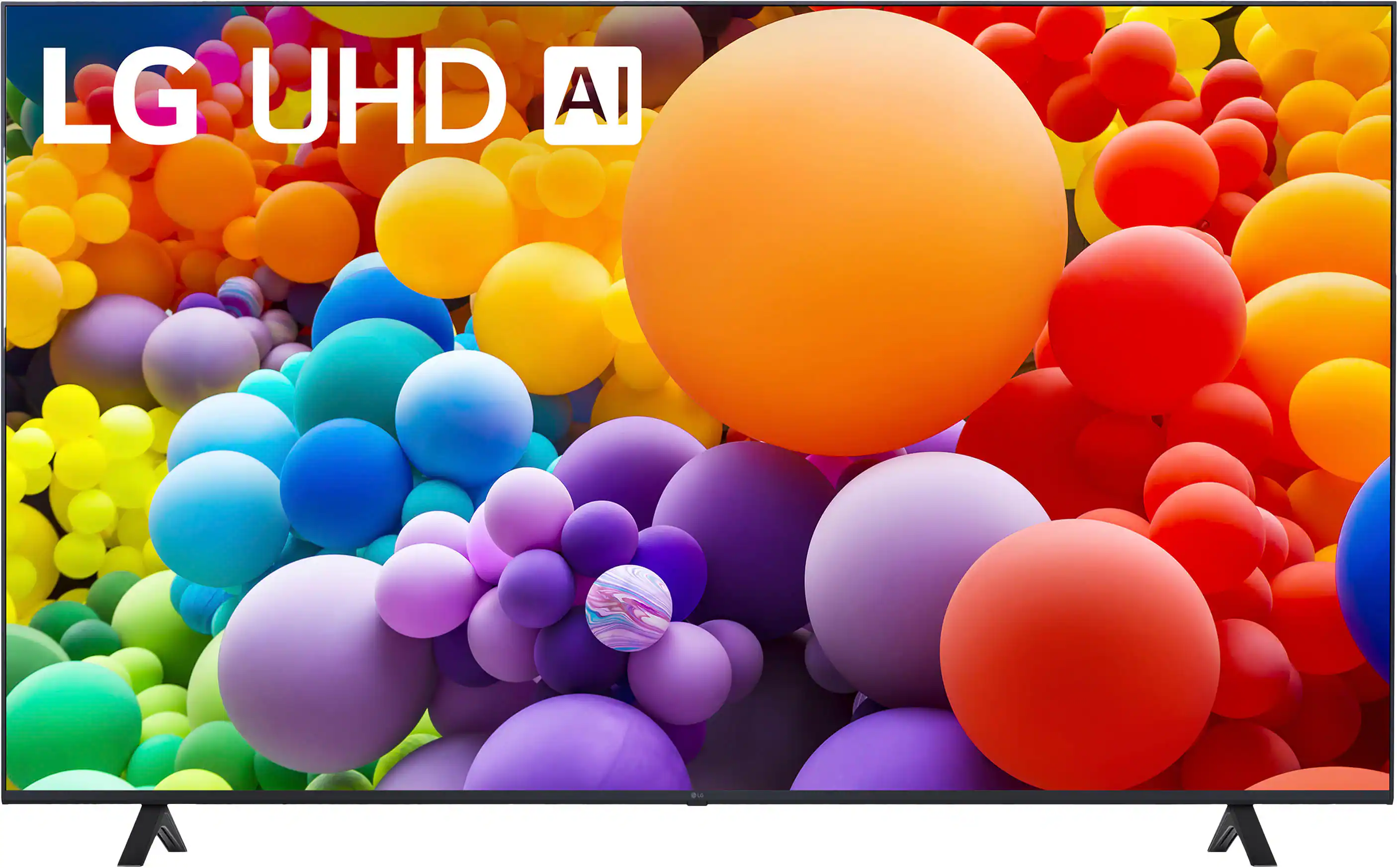
- QLED (LG QNED, Samsung QLED, TCL QLED, Hisense ULED): bright, good in daylight, no burn-in risk. Best default for most rooms.
- OLED (LG OLED, Sony OLED, Samsung QD-OLED): perfect blacks, best cinematic experience, more expensive, small burn-in risk with static content. Best for dark-room viewing.
- Basic LED: cheap but noticeably worse, only for guest rooms or short-term use.
Resolution: 4K is table stakes in 2026. 8K exists but there's essentially no 8K content, don't pay the premium.
HDMI 2.1 matters if you're gaming with PS5 / Xbox Series X, required for 4K 120Hz gaming.
Refresh rate: 60Hz fine for movies, 120Hz better for sports/gaming, 240Hz mostly marketing.
Laptop buying, where "cheap" often costs more long-term
The 3-year TCO rule: A $600 laptop that struggles at year 2 costs more than a $900 laptop that's smooth at year 3. Underpowered laptops accumulate hidden costs in productivity and eventual replacement.
Baseline specs for a general-use laptop in 2026:
- CPU: Apple M3 (Mac), Intel Core Ultra 5/7 or AMD Ryzen 7 (Windows). Skip anything older.
- RAM: 16GB minimum. 8GB is a false economy, you'll hit the ceiling on modern browsers alone.
- Storage: 512GB SSD minimum. HDDs are essentially dead, if you see one, skip.
- Display: at least 1080p; 1440p or higher for creative work.
- Battery: 10+ hour rated (real-world is 60-70% of rated).
Mac vs Windows in 2026: Mac dominates on battery, display, and thermals. Windows dominates on price, gaming, and specific business software (AutoCAD, Solidworks, some finance tools).
Appliance buying, where warranty math changes
Refrigerators, washers, dryers, dishwashers. Different rules than electronics:
- Reliability rankings matter more than features. Consumer Reports and Yale Appliance publish reliability data. Miele, Bosch, and LG generally lead; Samsung has struggled with reliability on some lines.
- Installation matters. Best Buy's installation service is worth the money for refrigerators and dishwashers, the DIY savings aren't worth the risk of water damage.
- Warranty math is different here. Appliances live 8-15 years and repair costs escalate. Extended warranties on major appliances can pencil out (unlike on electronics).
Where Best Buy actually beats Amazon and Costco
Where Best Buy wins:
- Physical demo (especially TVs, you cannot judge a TV from photos)
- Expertise on tap (Geek Squad, Blue Shirt staff, expertise varies but generally solid)
- Installation and haul-away (built into service model)
- Return policy for opened electronics (15-30 days, matches most competitors)
Where Amazon wins:
- Selection depth (10x more SKUs)
- Delivery convenience (Prime shipping)
- Price on well-known SKUs (frequently 5-10% cheaper)
Where Costco wins:
- Price on select items (Costco pricing is often 10-15% below Best Buy on electronics)
- Extended warranty (Costco doubles manufacturer warranty on many electronics, genuinely valuable)
- Return policy (extraordinary, 90 days on electronics)
The price-match reality
Best Buy price-matches most competitors including Amazon on identical SKUs. This is underused, always check the SKU price at Amazon and Costco before checking out. Best Buy will match at the register or via chat within a few days of purchase.
The 2026 buying framework in checklist form
Before a Best Buy trip:
- Know the exact model you want. Do the research at home; don't decide on the sales floor.
- Check Amazon and Costco price for the same SKU. Take screenshots.
- Look at the current Best Buy weekly ad, 30+ items are typically at meaningful discounts.
- Skip the extended warranty on TVs, computer displays, and small electronics. Consider it for laptops (fragility) and major appliances (long lifespan).
- Bring or set up a Best Buy account. Rewards program is genuinely valuable if you buy enough.
Verdict
Best Buy in 2026 is a defensible choice for electronics, physical demonstration, install services, and price-matching make up for the small premium over Amazon. The overpay problem is largely a consumer-framework problem, not a store problem. Buy from Best Buy when you value the demo and install, from Amazon when you know exactly what you want and just need it shipped, from Costco when the SKU is in-stock and the extended warranty matters. That's the complete framework.
Pricing, model availability, and warranty policies reflect September 2026. Confirm current terms before purchase.
Disclosure: affiliate link — we may earn a commission at no extra cost to you.
Want gear like this on your content calendar?
Join AffluencerHub, get AI-matched to brand programs that fit your audience, and track every click to commission in one place.
Apply as a Creator