
What a long-time user wishes they'd known before kitting out a desk — how to choose Razer gear that's worth it, and where the ecosystem pays off.
TL;DR: Razer's strength is breadth and a unified ecosystem, not being cheapest. Buy for the shape of your hand and your game genre first, RGB second. Here's how to build a setup that actually earns its price.
The thing nobody tells first-time Razer buyers
After years living in this ecosystem, here's the honest starting point: Razer sells the widest range of any peripheral brand, and that breadth is a trap as much as a gift. Most people walk in, pick the mouse with the coolest lighting, and miss the two decisions that actually matter — your grip style and your genre. Get those right and even a mid-tier Razer setup feels tailored. Get them wrong and the flagship feels awkward.
The ecosystem itself is the quiet reason to go Razer over mixing brands. Synapse ties your mouse, keyboard, and headset into one software layer, and Chroma syncs the lighting if you care about that. The payoff isn't the RGB — it's having one place to set DPI stages, macros, and profiles that follow you. That's worth more day to day than any single spec on a box.
Who this is for
- You'd benefit if — you game seriously, you're rebuilding a desk, or you want gear that talks to itself instead of three apps fighting.
- You might not need the flagship tier if — you play casually. Razer's mid-range is genuinely good, and the halo products are for people chasing marginal competitive edges.
- Best fit — competitive and enthusiast players, streamers, and anyone who values a coherent setup over a bargain bin of mismatched parts.
The 5 things to look for
1. Mouse: grip and genre before anything
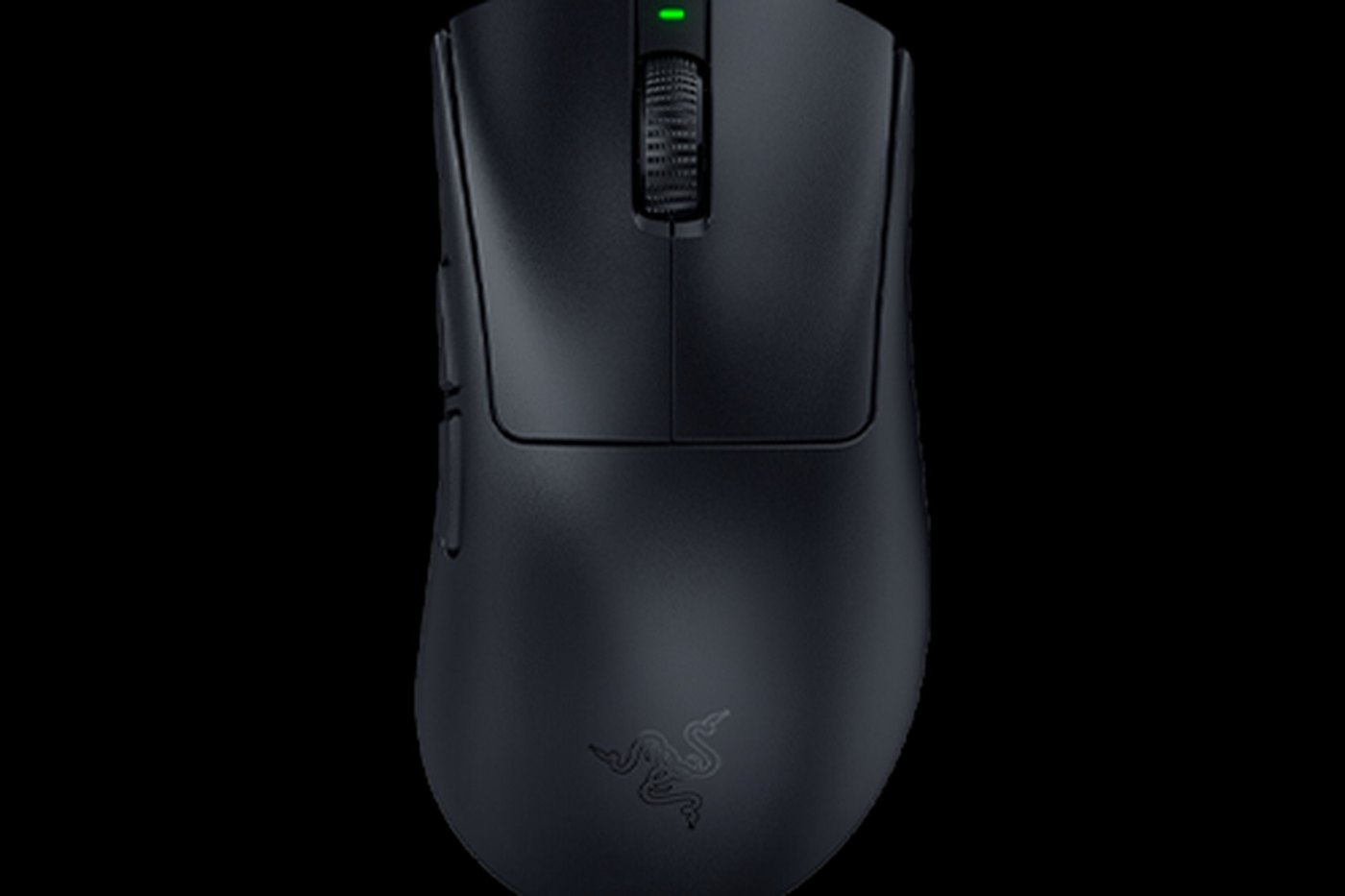
This is the decision. An ergonomic shape suits palm-grippers and long sessions; a symmetrical lightweight shape suits claw-grippers and flick-heavy FPS play; a button-laden shape suits MMO and MOBA players who live in their hotbar. Razer covers all three, which is exactly why you have to know your own hand first. The lighting is the last thing that matters here, not the first.
2. Switch type on the keyboard
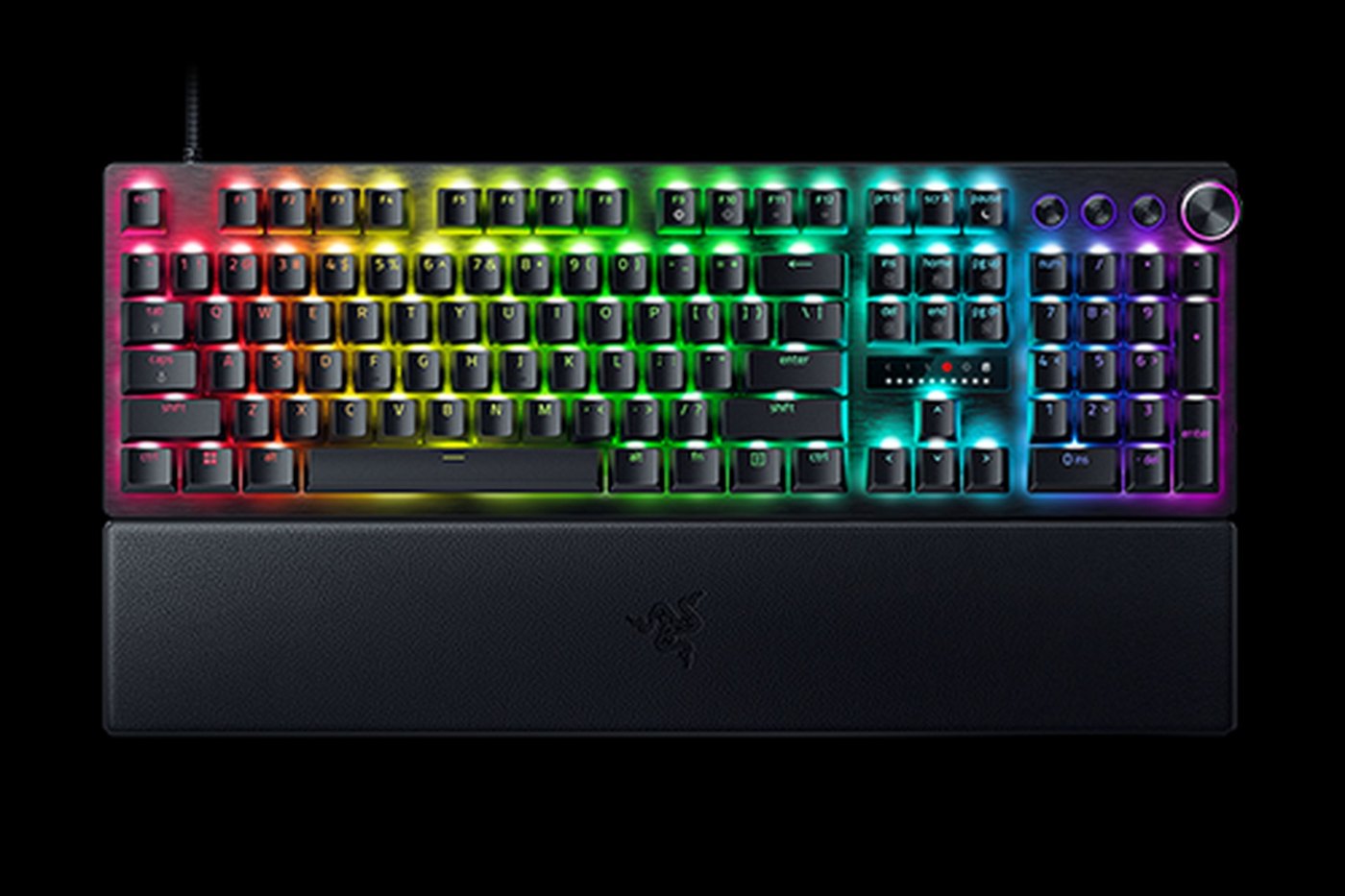
Mechanical switches define the feel. Broadly: linear switches (smooth, no bump) are favoured for fast games; tactile switches give a bump for typing feedback; optical switches trade a little feel for actuation speed. Razer's BlackWidow and Huntsman lines let you pick, and this choice affects your daily experience more than key count or media wheels. Try to feel switches before buying if you possibly can.
3. Wireless vs wired
Modern wireless — Razer's HyperSpeed — is genuinely fast enough for competitive play now, and the freedom is real. The trade-offs are price and battery management. If you never want to think about charging and want the lowest possible cost, wired still wins. For most people rebuilding a setup in 2026, wireless is worth it; just know you're paying for it.
4. Headset: audio and mic, honestly weighted
Be clear about what you need. If you mostly need positional audio for competitive play, prioritise that; if you stream or take calls, the mic matters as much as the drivers. Razer's Kraken line leans into comfort and, on newer models, features like haptics — fun, but a want, not a need. Don't overspend on features you won't use.
5. Let the ecosystem do the work
Once you own two or three Razer devices, Synapse profiles are the real dividend — DPI stages, per-game macros, lighting scenes, all in one place and portable across your gear. If you're going to buy into a brand for coherence, this is the argument. Mixing brands means juggling separate apps that don't cooperate.
Top Razer picks in 2026
A note on pricing: Razer's range spans budget-mid to premium, and it discounts around Back-to-School, seasonal sales, and rewards programs. Treat these as tiers and check the current price.
Best all-round mouse: the DeathAdder line
The ergonomic workhorse — the shape a huge number of players default to for a reason. If you palm-grip and want one mouse to trust, start here.
- Where it fits: most players, especially long-session and palm-grip users. See Razer mice.
Best for FPS: the Viper / lightweight symmetrical line
Light, symmetrical, built for flicks. If your game is aim-first and you claw-grip, this is your shape.
- Where it fits: competitive FPS players. Browse the lineup.
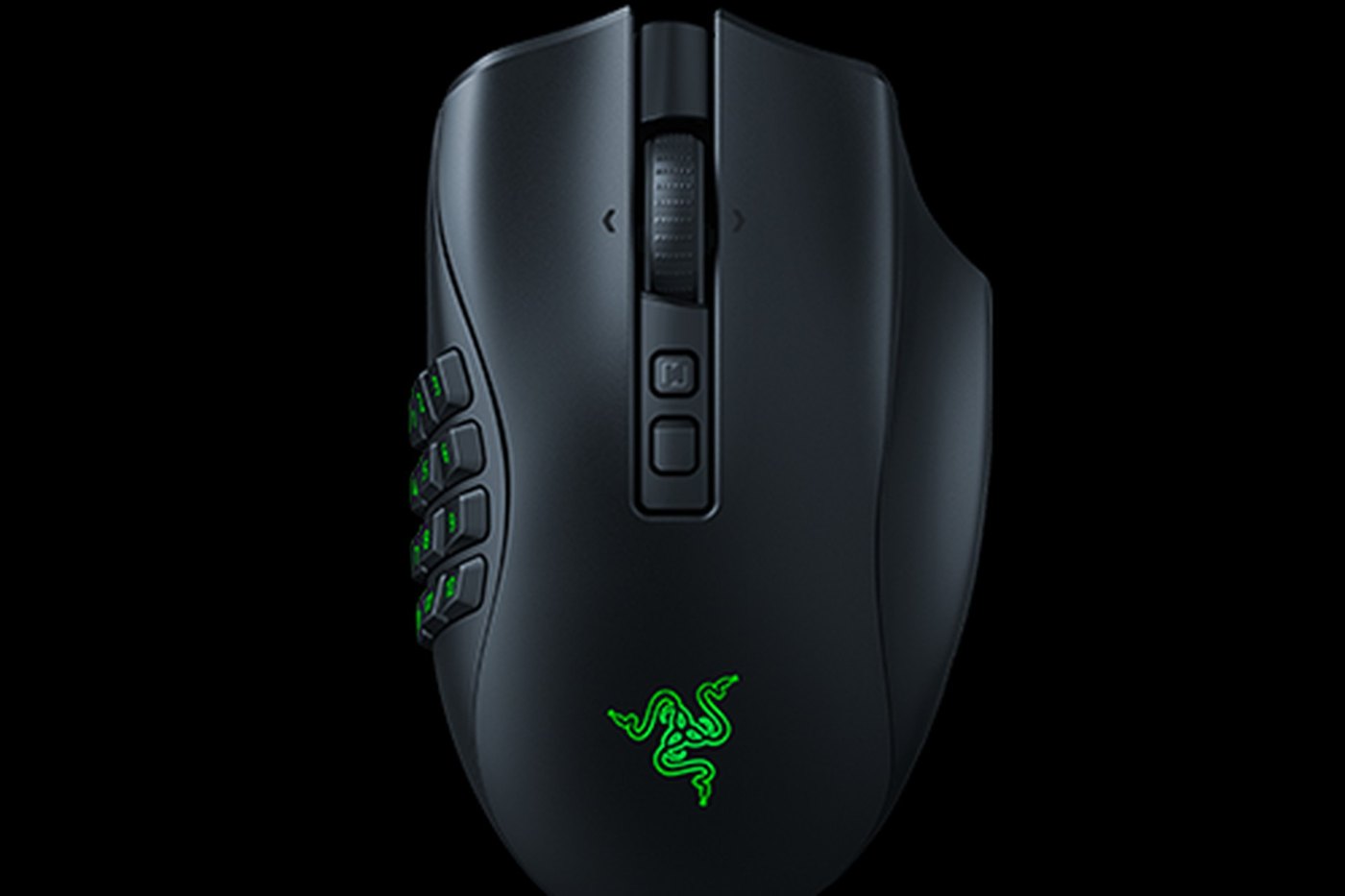
Best for MMO / MOBA: the Naga line
The side-button cluster puts a hotbar under your thumb. Overkill for FPS, transformative for genres with a lot of abilities.
- Where it fits: MMO, MOBA, and macro-heavy players.
Pricing, by tier
| Tier | Roughly | What you get | Recommended for |
|---|---|---|---|
| Budget-mid | Entry band | Solid wired/wireless mice, entry keyboards | Casual and new players |
| Mid | Value band | HyperSpeed wireless, mechanical keyboards, Kraken headsets | Most enthusiasts |
| Premium / halo | Higher band | Flagship mice, Signature keyboards, Blade laptops | Competitive & pro-tier buyers |
Common mistakes to avoid
- Buying for the RGB. Lighting is the fun part, not the functional part. Choose grip, genre, and switch type first; the Chroma is a bonus.
- Over-buying the flagship. The marginal gains at the top tier are real but small. Unless you're chasing a competitive edge, mid-range Razer serves most players beautifully.
- Ignoring the software. If you buy Razer and never open Synapse, you've paid for coherence you're not using. Set up your profiles — that's half the value.
FAQ
Q: How much should I spend to start?A: Enough for a mid-tier mouse in your correct grip shape and a mechanical keyboard with switches you like. That pairing outperforms a flagship mouse next to a keyboard you didn't choose deliberately.
Q: Is wireless worth it now?A: For most people rebuilding in 2026, yes — HyperSpeed is fast enough for competitive play. If cost is your top constraint, wired still saves money and never needs charging.
Q: When are the best times to buy?A: Razer runs Back-to-School, seasonal, and mid-year sales, plus a rewards program with discounts. There's usually a promotion window worth waiting for rather than paying full price.
Q: Is Razer similar to Logitech?A: They overlap heavily on product range. Logitech G is often praised for value and software polish; Razer for ecosystem breadth and design. We compare them directly in our Razer vs Logitech G piece.
Next steps
Build in the right order: pick the mouse for your hand and genre, add a keyboard with switches you've felt, then let Synapse tie it together. When you're ready to start, browse Razer's current lineup here — it spans a casual first mouse all the way to competition-grade gear.
Disclosure: This post contains affiliate links. We may earn a commission from purchases made through these links at no extra cost to you. Prices and availability accurate at time of writing.
Disclosure: affiliate link — we may earn a commission at no extra cost to you.
Want gear like this on your content calendar?
Join AffluencerHub, get AI-matched to brand programs that fit your audience, and track every click to commission in one place.
Apply as a Creator