
You just bought (or are about to buy) your first GoPro. What now? This guide covers everything from unboxing and firmware to your first proper shoot — the stuff nobody tells you before you spend $400 on a camera. It's built around the GoPro Hero 13 Black, but 90% of it applies to any Hero 10 or newer.
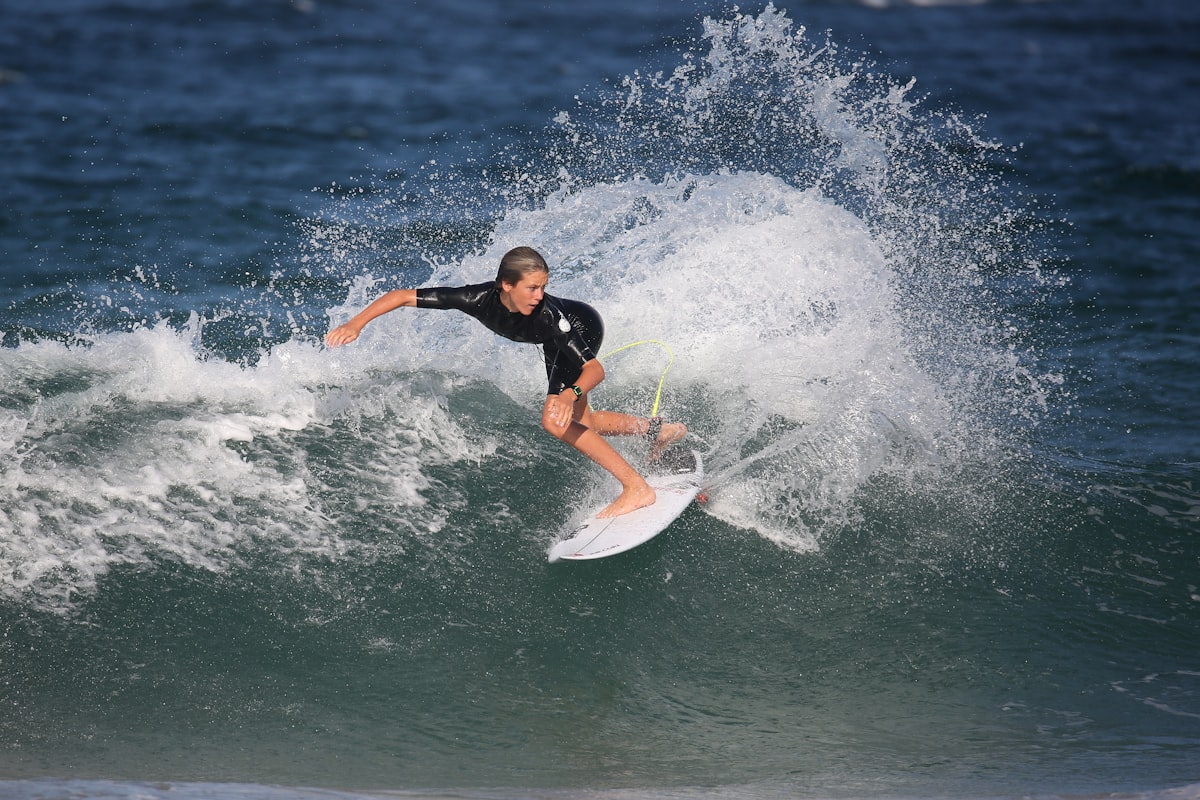
The 25-minute setup, start to finish
01Unbox and take inventory
The Hero 13 box contains the camera (with attached mounting fingers), one Enduro battery, one curved adhesive mount base, one mounting buckle, a USB-C cable — no wall plug, plan for this — and a quick-start card.
What's not in the box that you'll want:
- An extra Enduro battery (around $30)
- A 32GB or 64GB microSD card, V30 or faster — essential, the Hero 13 doesn't include storage
- A chest, helmet, or handlebar mount depending on your use case
02Charge fully, then update firmware
Plug the camera in via USB-C for a full charge — about 90 minutes from empty. While it charges, download the GoPro Quik app on your phone and create a free account.
Once charged, pair the camera to Quik over Bluetooth and Wi-Fi. The very first thing the app should prompt is a firmware update — run it. This one step alone fixes the vast majority of "GoPro froze mid-ride" stories floating around online; outdated firmware is the number-one cause.
03Set up your microSD card
Insert a V30-or-faster microSD card — anything slower will drop frames on 5.3K video. Format it inside the camera, not on a computer; GoPro uses ExFAT with its own metadata blocks. As of this writing, well-regarded options include the SanDisk Extreme 128GB V30, Lexar Play Pro 128GB, and Samsung Pro Ultimate 128GB.
04Pick your mount
For your first shoot, keep it simple. Three mounts cover almost every beginner use case:
| Use case | Best mount | Why |
|---|---|---|
| Cycling / running / skiing | Chest harness | Steady, no head bob, natural POV |
| Skateboarding / surfing / snowboarding | Helmet mount | Higher POV, matches head movement |
| Dashboard / motorcycle | Adhesive suction | Locked-in stability, low profile |
Head to GoPro's mounts and accessories page for the official chest, helmet, and adhesive options — third-party mounts are fine day to day, but for cold weather or high-vibration shooting the official mounts hold their tolerances better.

05Pick a shooting mode — start simple
The Hero 13 ships with 20+ preset modes. Ignore nearly all of them at first and learn just three:
- Standard 5.3K30 — max quality, best for editing later
- Full-Frame 4K60 — best for social crops (Instagram, TikTok)
- TimeWarp 4x — condenses a long ride into 90 seconds
For your first shoot, set Standard 5.3K30 and forget about it.
06HyperSmooth settings that matter
Turn HyperSmooth to AutoBoost or High. Skip Max unless you know you need it — it crops the frame slightly.
07Your first shoot — actually do it
Recommended first shoot: chest mount, a 15-minute walk or ride you actually enjoy. Standard 5.3K30, HyperSmooth AutoBoost. Come home with roughly 30 minutes of footage to practice editing on.
08Editing basics
The Quik app on your phone will auto-import footage over Wi-Fi (slow — 15 to 30 minutes for a 30-minute shoot), suggest highlight edits automatically, and add music, transitions and titles.
For a faster workflow: pull the microSD card and load footage straight into Premiere Pro, DaVinci Resolve (free), or CapCut on desktop. A USB card reader costs around $15 and is roughly 10x faster than app import.
09Care and storage
- Rinse in fresh water after every saltwater or dusty session — the mic ports clog fast
- Store batteries at 40–60% charge — full-charge storage kills lifespan over time
- Keep the camera in a hard case — the front lens hood is replaceable but easy to scratch
10When to buy the GoPro subscription
The GoPro subscription (currently $49.99/year) is worth it if any of these apply to you:
- You care about damage replacement — one broken camera pays for roughly 8 years of subscription
- You want unlimited cloud storage of GoPro-app-processed clips
- You want the discount on batteries, cases, and future accessories
If you're a casual user shooting one holiday a year, skip it for now.
GoPro Hero 13 Black — start here
The most beginner-friendly camera in the Hero line right now — one-touch modes, HyperSmooth AutoBoost, and an HB lens system you can grow into without buying a new body.
🔒 Prices and availability accurate at time of writing. Affiliate link — we may earn a commission at no extra cost to you.
Frequently asked questions
Do I need an ND filter? For bright outdoor conditions and slow-shutter cinematic looks, yes — GoPro's HB Series ND pack, available through GoPro, is the cleanest official option.
How long does a battery last? Around 100 minutes at 5.3K30 at room temperature, and about 75 minutes at -10°C with an Enduro battery.
Can I use my phone as a monitor? Yes, over the Quik app, but it's laggy — better to compose using the Hero 13's front-facing screen.
Which microSD do I actually need? V30 or faster, 32GB minimum. 128GB is the value sweet spot.
What accessories are worth buying first? An extra Enduro battery, a chest mount (cycling/running) or helmet mount (skating/surfing), and a 128GB V30 microSD card — that covers month one.
Ready to start?
If you've been on the fence, the GoPro Hero 13 Black is the most beginner-friendly camera in the current Hero line — one-touch modes, HyperSmooth AutoBoost, and an HB lens system that means you can grow into it without buying a new body.
Want gear like this on your content calendar?
Join AffluencerHub, get AI-matched to brand programs that fit your audience, and track every click to commission in one place.
Apply as a Creator