
If you're researching consumer 3D printers and accessories, Creality EU shows up on every shortlist. This guide covers what Creality EU actually offers, who it's built for, how it compares to the alternatives, and the questions worth asking before you commit.
The short version: Creality EU is the European storefront for Creality's global 3D printer range — the Ender, K1 and Halot lines, covering both FDM and resin printing from entry-level to enthusiast. It fits EU makers, hobbyists and small workshops that need reliable 3D printing without enterprise pricing. The flagship K1 series leads on speed; the Ender line leads on price.
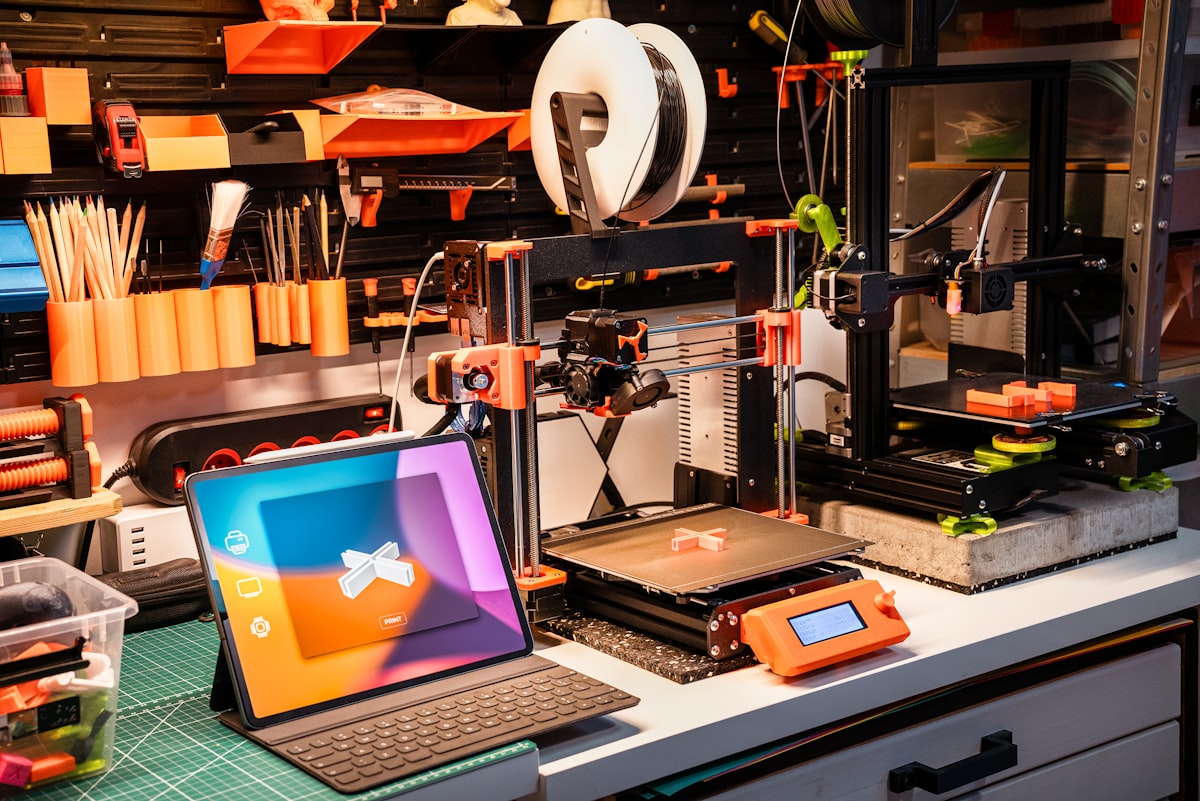
What Creality EU actually is
01The product lines
- Ender line. Entry-level FDM printers priced under €200 — the on-ramp most first-time buyers start on.
- K1 series. The flagship FDM range, built around 600mm/s-class print speeds for buyers who've outgrown a beginner machine.
- Halot line. Resin and DLP printers for the fine-detail work FDM plastic extrusion isn't suited to.
All three lines share the same slicer ecosystem (Cura-based) and feed into the same DIY community, so moving between them doesn't mean relearning a workflow from scratch.
02Why speed and price both matter here
The K1 series' headline is 600mm/s-class speed — a print job done before dinner instead of tying up your desk all evening. The Ender line's headline is the opposite axis: an entry price under €200. Most buyers land in the middle — start on Ender pricing, grow into K1 speed. Check current pricing before you commit to a tier.
Who Creality EU is built for
Best fit
EU makers, hobbyists and small workshops needing 3D printing; buyers who value K1 print speed; anyone switching brands who wants Halot/DLP resin options alongside FDM.
Not ideal
Very niche vertical requirements outside the standard FDM/resin toolkit; enterprise buyers needing a formal SLA; shoppers wanting something cheaper than the entry Ender tier.
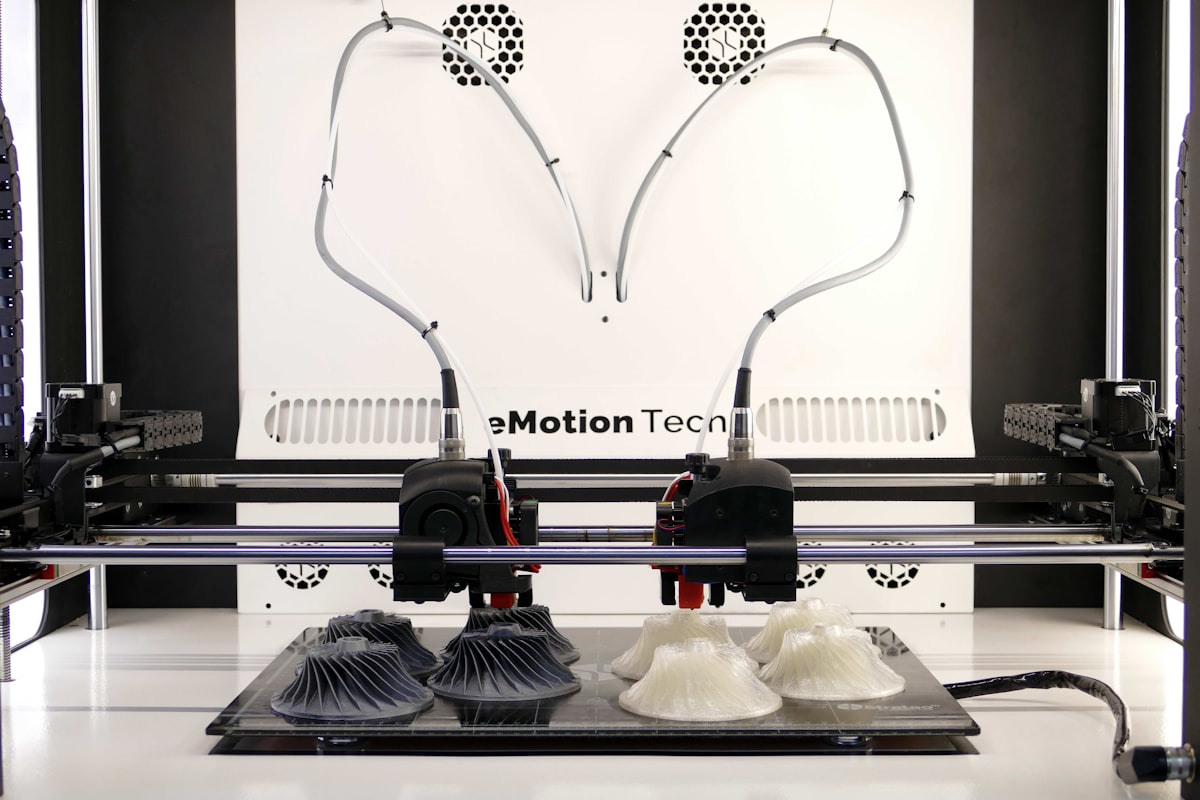
How it compares to alternatives
| Brand | Model | Where it wins | Where it loses |
|---|---|---|---|
| Creality EU | Ender / K1 / Halot | Entry price, K1 speed, EU shipping | Not the deepest ecosystem |
| Bambu Lab | Closed ecosystem | Most feature-rich, most polished | Most expensive — often overkill |
| Prusa | Direct competitor | Similar price point, close feature parity | Differentiators are workflow-specific only |
| Anycubic | Different design philosophy | Viable alternative in the same tier | Less community documentation than Creality |
Questions to ask before you buy
- Does my use case fit the EU makers / hobbyists / small-workshop profile Creality EU is built for?
- Is the K1's 600mm/s-class speed actually important to me, or would the sub-€200 Ender tier do the job?
- Do I want resin (Halot/DLP) detail work alongside FDM, or is one technology enough?
- Am I locked into another brand's ecosystem already? Switching cost is worth factoring in.
- How long am I committing? Trial the entry tier before jumping straight to a premium K1 configuration.
Getting started
- Visit Creality EU's site and read the current tier structure
- Trial the entry Ender tier for 30 days on real projects
- Layer in the K1 series once you know speed matters for your workload
- Add a Halot resin printer only if fine-detail work is part of your plan
Frequently asked questions
How is Creality EU different from Bambu Lab? Creality EU wins on entry price and K1 speed; Bambu Lab wins on ecosystem depth and polish.
Is there a free trial? Check the Creality EU website for current trial and warranty terms — they rotate.
What tier should I start on? The Ender entry tier for most first-time buyers. Upgrade to K1 when you hit a specific speed limit, not proactively.
Is Creality EU worth it in 2026? For EU makers, yes — the roadmap across Ender, K1 and Halot is active and EU warehousing keeps shipping reasonable.
Bottom line
If you're an EU-based maker, hobbyist or small workshop weighing a next 3D printer, Creality EU covers the range from a sub-€200 starter to flagship K1 speed and Halot resin detail. Start with the entry tier, then upgrade only against a feature gap you've actually hit.
Want gear like this on your content calendar?
Join AffluencerHub, get AI-matched to brand programs that fit your audience, and track every click to commission in one place.
Apply as a Creator