
The Bambu Lab X1 Carbon defined the modern enclosed CoreXY printer when it launched, and even after the P1S and P2S arrived at lower prices it still shows up on almost every "best 3D printer" list. The question in 2026 is whether it's still the right pick, given Bambu's expanded lineup and the arrival of the H2D flagship.
The 30-second verdict
01What the X1 Carbon actually is
The X1 Carbon is Bambu Lab's premium enclosed FDM 3D printer. Compared with the P1S, it adds Micro-Lidar first-layer scanning, an AI camera for spaghetti-fail detection, a color touchscreen, and out-of-the-box hardened components for carbon-fiber and glass-fiber filaments.
The core motion system, build volume and top-line print speed are the same on the P1S. So the buying question is simple: are the Lidar, AI camera, touchscreen and stock CF-ready hardware worth the premium over a P1S Combo? For a certain kind of user, absolutely yes. For most makers, the P1S remains the more rational choice — and the P2S, released in late 2025, further squeezes the X1 Carbon's positioning.
02Design and build quality
The X1 Carbon uses a fully enclosed CoreXY design with a compact desktop footprint. The 256 × 256 × 256 mm build volume is generous for most desktop projects — models, cosplay parts, functional brackets, small enclosures. The fully enclosed chamber is what unlocks reliable printing in engineering materials like ABS, ASA, PA (nylon) and PC (polycarbonate); without a stable warm chamber, these materials warp and delaminate.
The frame feels solid — closer to a small appliance than a "kit printer." The polycarbonate side panels and tempered-glass front door and top lid all remove easily for cleaning. There's almost no assembly on arrival: unbox, plug in, run the calibration wizard, and print. The touchscreen is a genuine quality-of-life upgrade over the P1S's LCD-plus-buttons interface — you can start prints, adjust settings and check AMS status without opening Bambu Studio on a computer.
03The features that justify the premium
Micro-Lidar
The headline feature. Scans the first layer after purge to catch adhesion problems before the print continues, and does on-the-fly flow calibration that noticeably improves quality on filaments you haven't dialed in yet.
AI camera
Watches for spaghetti-style failures and can pause the print if something goes wrong. Some users find it a genuine save; others report occasional false-positives. On a printer running a weekend of PA-CF, it's a feature you appreciate.
Touchscreen
A color touchscreen replaces the P1S's LCD-plus-buttons. Start prints, adjust settings and see AMS status at the machine — you don't have to route everything through a computer.
04Materials support
The hardened components mean the X1 Carbon ships ready for the full engineering material list right out of the box — no upgrades needed: PLA, PLA-CF, PLA-GF; PETG, PETG-CF; ABS, ASA; PA (nylon), PA-CF, PA-GF; PC (polycarbonate); and TPU (flexible).
If you regularly work with abrasive filaments — anything reinforced with carbon fiber, glass fiber or metal particles — the hardened nozzle and extruder gears will last much longer than stock components on other machines. You can upgrade a P1S to hardened components; on the X1 Carbon it's included.
05The AMS Combo & ecosystem
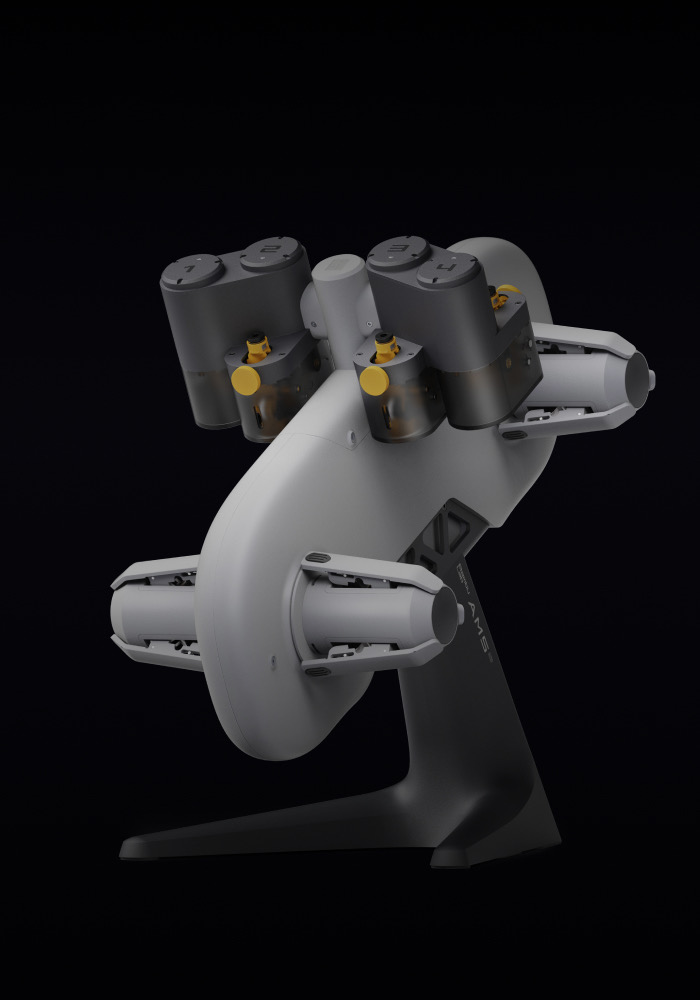
The X1 Carbon Combo adds the AMS (Automatic Material System), which lets you load four spools and swap between them automatically mid-print — for multi-color models, soluble-support combinations (PVA support with a PLA body), or letting a print continue when a spool runs out. If you're planning any multi-color or multi-material work, the Combo is the version to buy; retrofitting an AMS later costs more than buying together.
Bambu Studio (or the OrcaSlicer fork) is the primary slicer — clean, fast, with good out-of-box profiles. The cloud print flow (send a job over Wi-Fi, monitor from your phone) is genuinely convenient. The trade-off is a somewhat closed ecosystem: Bambu-branded filaments give the smoothest RFID-driven experience, while third-party spools work with manual profile setup.
Product card
| Model | Configuration | Includes | Best for |
|---|---|---|---|
| X1 Carbon | Standalone printer | Printer, hardened nozzle, PEI plate | Single-color engineering prints |
| X1 Carbon Combo | Printer + AMS | Everything above + AMS 4-spool system | Multi-color, multi-material work |
Configurations per Bambu Lab's published product listings.
✓Buy the X1 Carbon if
- You print carbon-fiber, glass-fiber or other abrasive filaments regularly
- You run the printer unattended (overnight, weekends) and want AI monitoring
- You value the Lidar first-layer scan for reliability when switching filaments often
- You want the largest possible material compatibility out of the box
- You use the touchscreen daily and don't want to route through a computer
–Get the P1S / P2S instead if
- You mostly print PLA, PETG and the occasional ABS
- You'd rather put the price difference into filament, tools or a second printer
- You don't mind manual first-layer inspection instead of a Lidar auto-scan
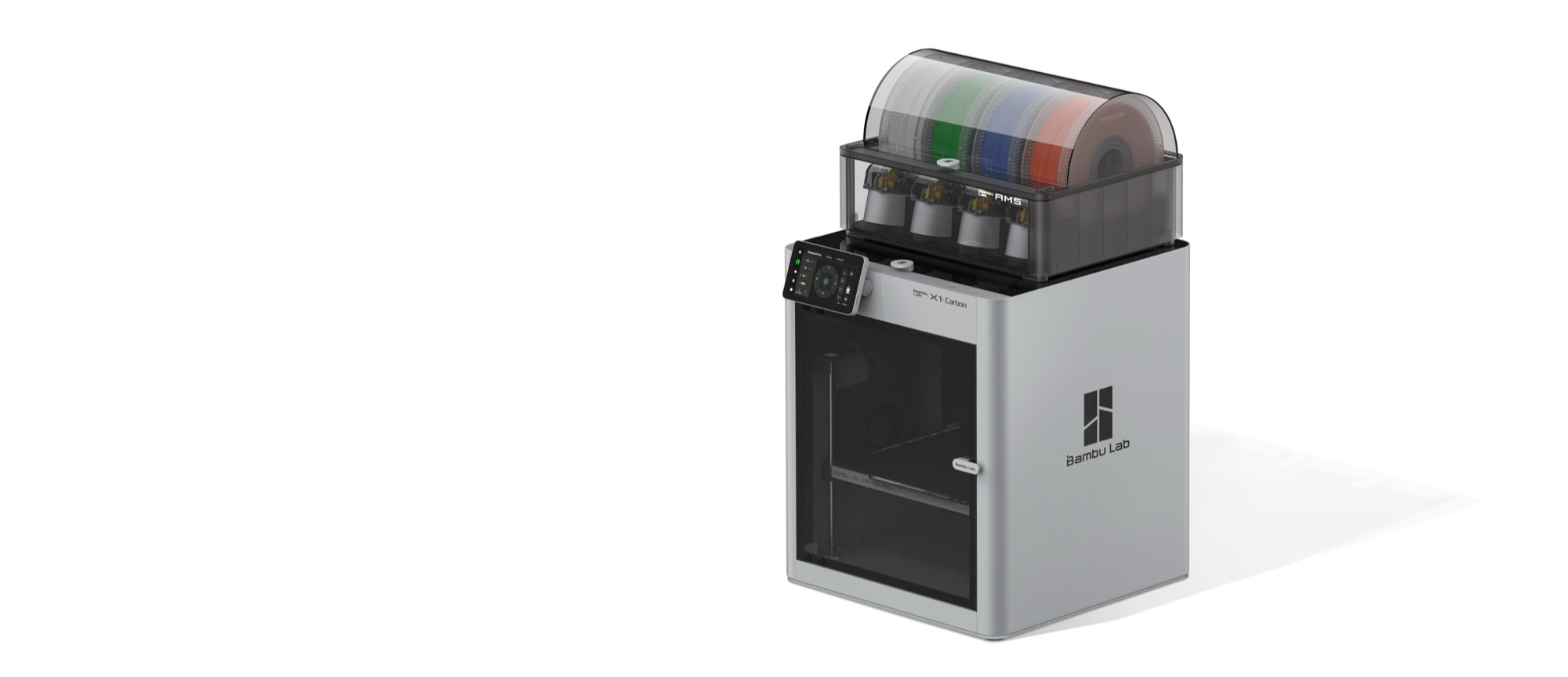
Bambu Lab X1 Carbon — the reviewed machine
Enclosed CoreXY with Micro-Lidar, AI monitoring, a color touchscreen and stock hardened CF/GF hardware. Choose the Combo if you'll ever want multi-color or soluble-support work.
🔒 Prices and availability accurate at time of writing. Affiliate link — we may earn a commission at no extra cost to you.
FAQ
How does the X1 Carbon compare with the P1S? Same motion system, same build volume, same top-line speed. The X1 Carbon adds Micro-Lidar, AI camera, touchscreen and hardened CF/GF components. For most makers, the P1S covers 90%+ of use cases at a significantly lower price.
Can it print carbon-fiber PLA safely? Yes — it ships with a hardened steel nozzle and hardened extruder gears specifically for abrasive filaments. On other Bambu machines you'd need to upgrade first.
Do I need the AMS Combo, or is standalone enough? If you'll only ever print single-color models, save money and buy standalone. If you think you'll want multi-color, soluble support or auto-continue when a spool runs out, get the Combo — retrofitting later costs more.
How loud is it? The enclosed chamber and CoreXY motion make it noticeably quieter than open-frame printers like the A1. Fine for a home office, though the chamber fan is audible when engineering materials require chamber heating.
Is the Bambu ecosystem too closed? It's more curated than open. Bambu-brand filaments give the smoothest RFID experience; third-party filaments work with manual setup. Want fully open-source firmware and universal compatibility? Look at Prusa. Want polished plug-and-play? Bambu is hard to beat.
Final take
The X1 Carbon is a genuinely excellent printer that shaped what a modern desktop CoreXY should look like. The Micro-Lidar, AI monitoring, touchscreen and hardened CF-ready hardware are real advantages — not marketing theater — if your workflow matches. If you know you'll use Lidar-driven reliability, AMS multi-material and abrasive engineering filaments, the X1 Carbon Combo is still the right choice. For everyone else, the P1S delivers the same core print quality for less, and the newer P2S sits between them on features and price.
Want gear like this on your content calendar?
Join AffluencerHub, get AI-matched to brand programs that fit your audience, and track every click to commission in one place.
Apply as a Creator